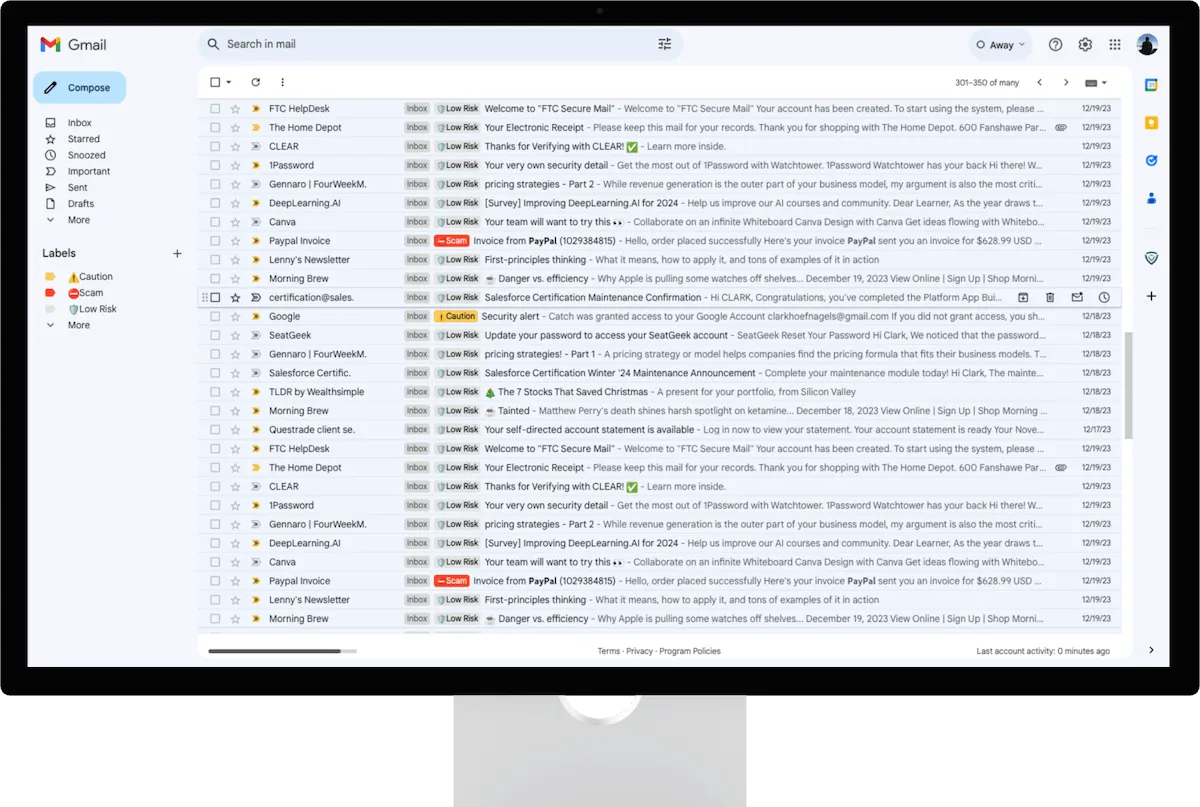
All non-promotional emails are scanned by CATCH. By default Gmail labels promotional (marketing) emails so we skip these emails since Gmail has already reviewed the email.
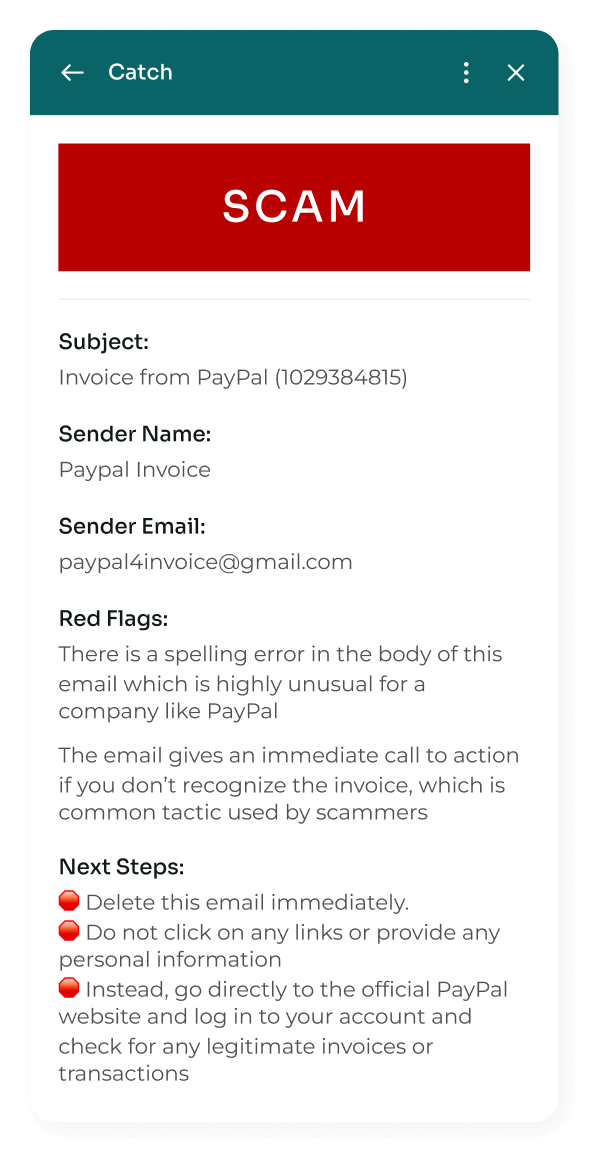
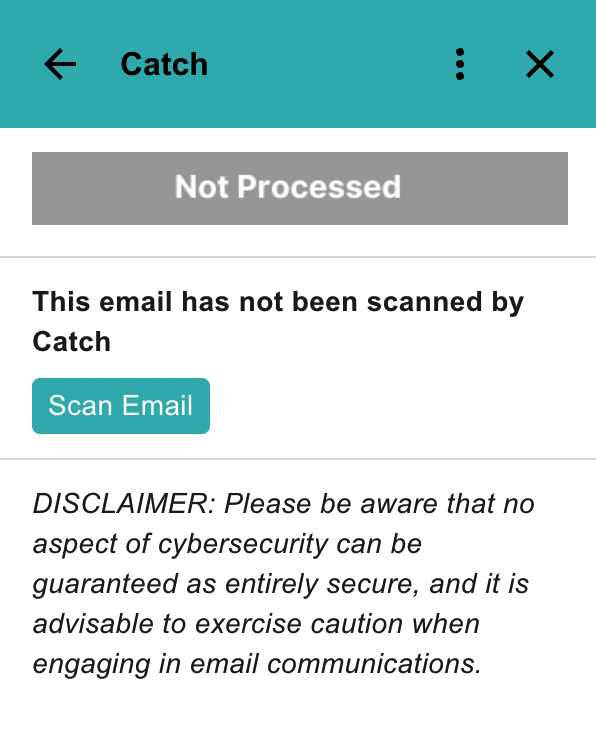
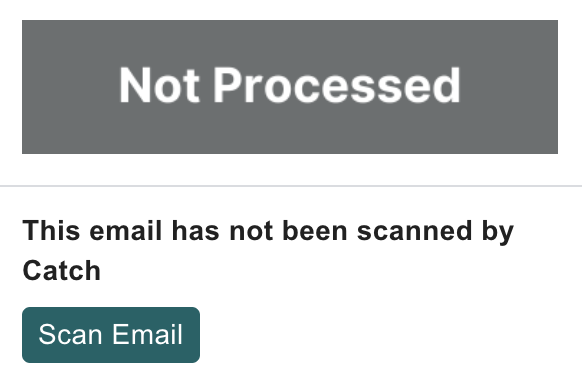
If an email is not scanned, the user can manually scan it by clicking into the email and clicking the “Scan Email” button on the side panel.
Are all emails labeled?
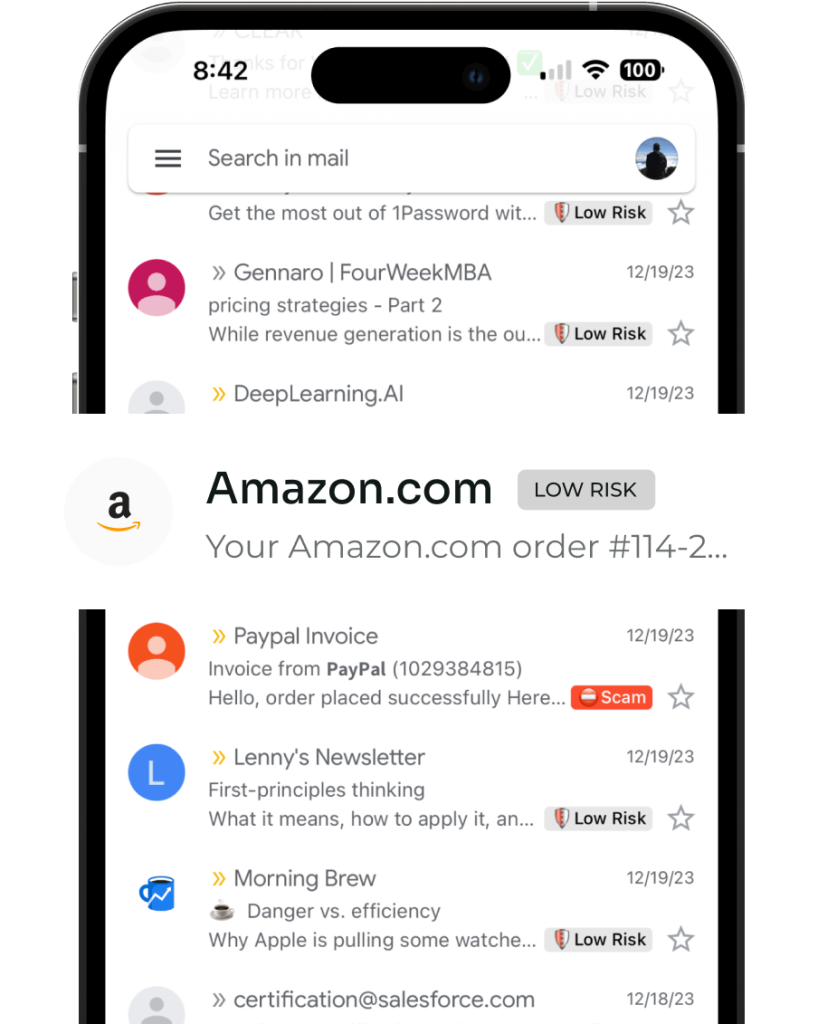
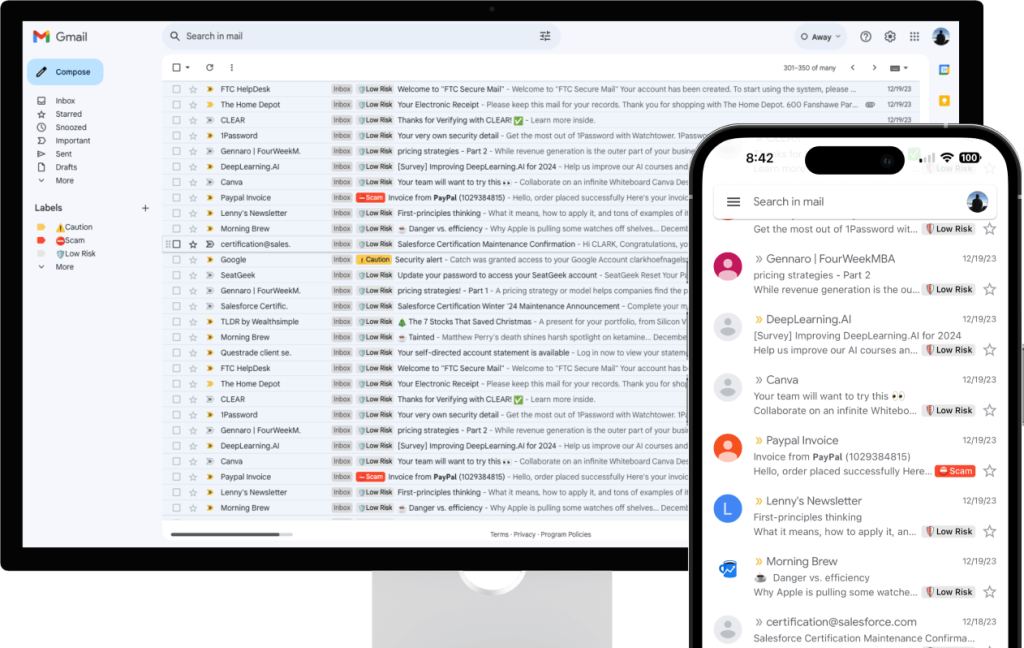
Almost all emails will be labeled “Low Risk,” “Caution” or “Scam.” Emails that Gmail identifies as promotional, are not labeled. If you wish to scan an email that is unlabeled, open the side panel and click “Scan Email.”
What are the labels and what do they mean?
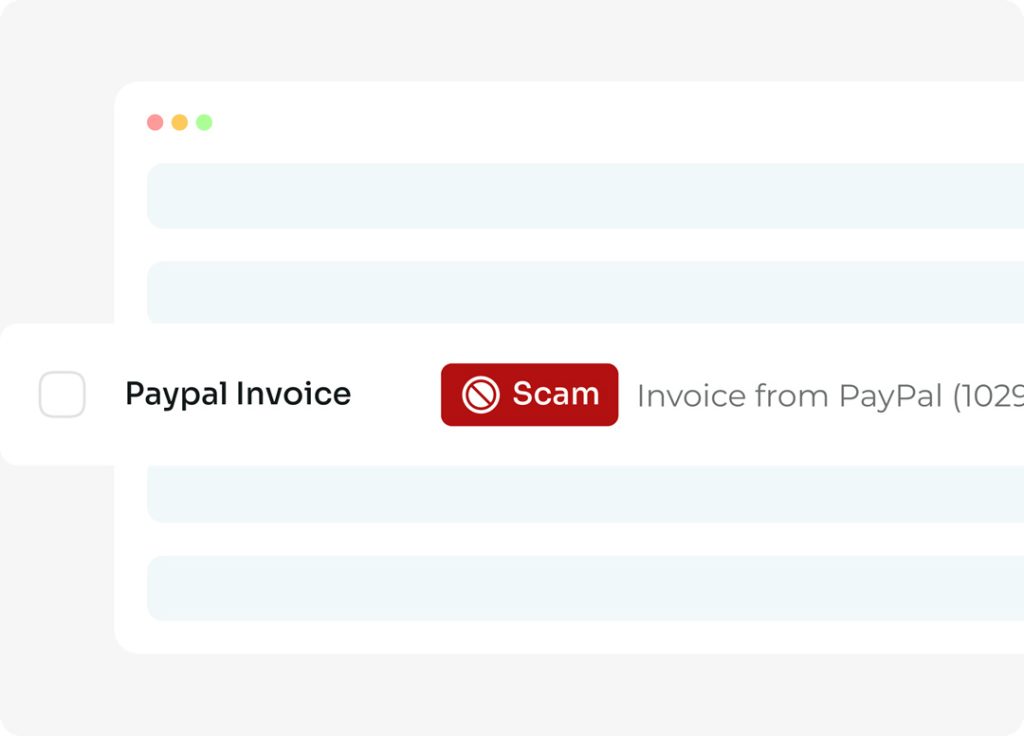
Upon scanning an email CATCH leaves low risk emails with no label and labels every dangerous email that hits your inbox as one of the following:
?️ Low Risk: This labels appears when an email has been scanned and CATCH hasn’t identified anything of concern. Scammers are constantly trying new things, stay vigilant even with a Low Risk label.
⚠️ Caution: This label appears when a legitimate email contains sensitive information such as One Time Passwords and Multi-factor Authentication codes which can still be used tactically by scammers. This label will be accompanied by associated Red Flags and Next Steps in the side panel.
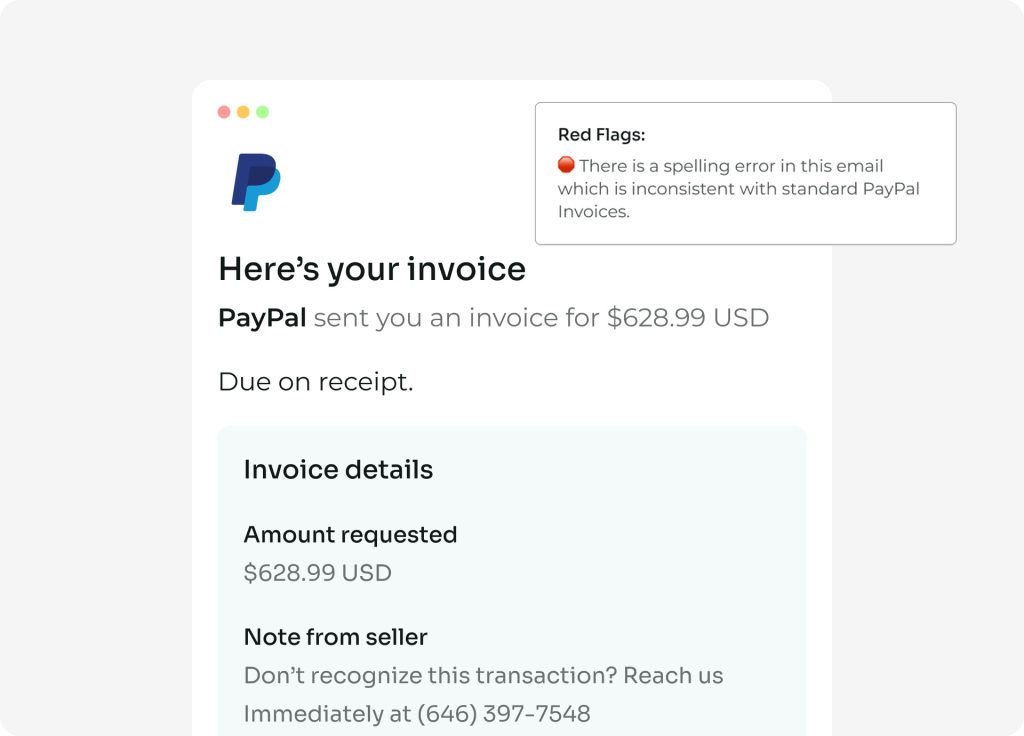
? Scam: This label appears when an email is detected as a scam and it is implied to delete immediately. This label will be accompanied by associated Red Flags and Next Steps in the side panel.
Does CATCH store my data?
Emails identified as Scam are encrypted and securely stored in our backend AWS (Amazon Web Services) database. This storage is essential to protect other CATCH users from similar malicious emails and enhance the overall safety of our platform. CATCH DOES NOT store emails labeled Low Risk or Caution.
What if I think an email is a scam?
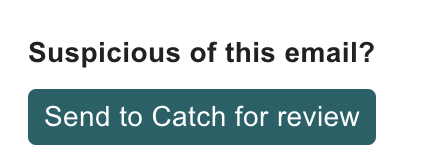
CATCH is here to help! Use the “Send to CATCH for Review” button in the side panel. The CATCH team will reach out ASAP with an answer on if the email is a scam or not.